
Outline
- Quick answer: what a solar one-line diagram is
- One-line diagram vs site plan vs spec sheet
- The main pieces you will usually see on a residential solar one-line
- How to read a one-line diagram step by step
- What the one-line can reveal about your project
- Red flags homeowners should not ignore
- Copy/paste checklist: what to ask your installer
- FAQ
- Next to Read
Safety note (USA): This guide is for homeowner education, quote comparison, and permit-document review only. It does not teach electrical work, wiring, or code-compliance installation steps. Any work involving solar electrical equipment, service equipment, disconnects, or panel modifications should be handled by qualified professionals and approved by the local AHJ and utility where required.
Quick answer: what a solar one-line diagram is
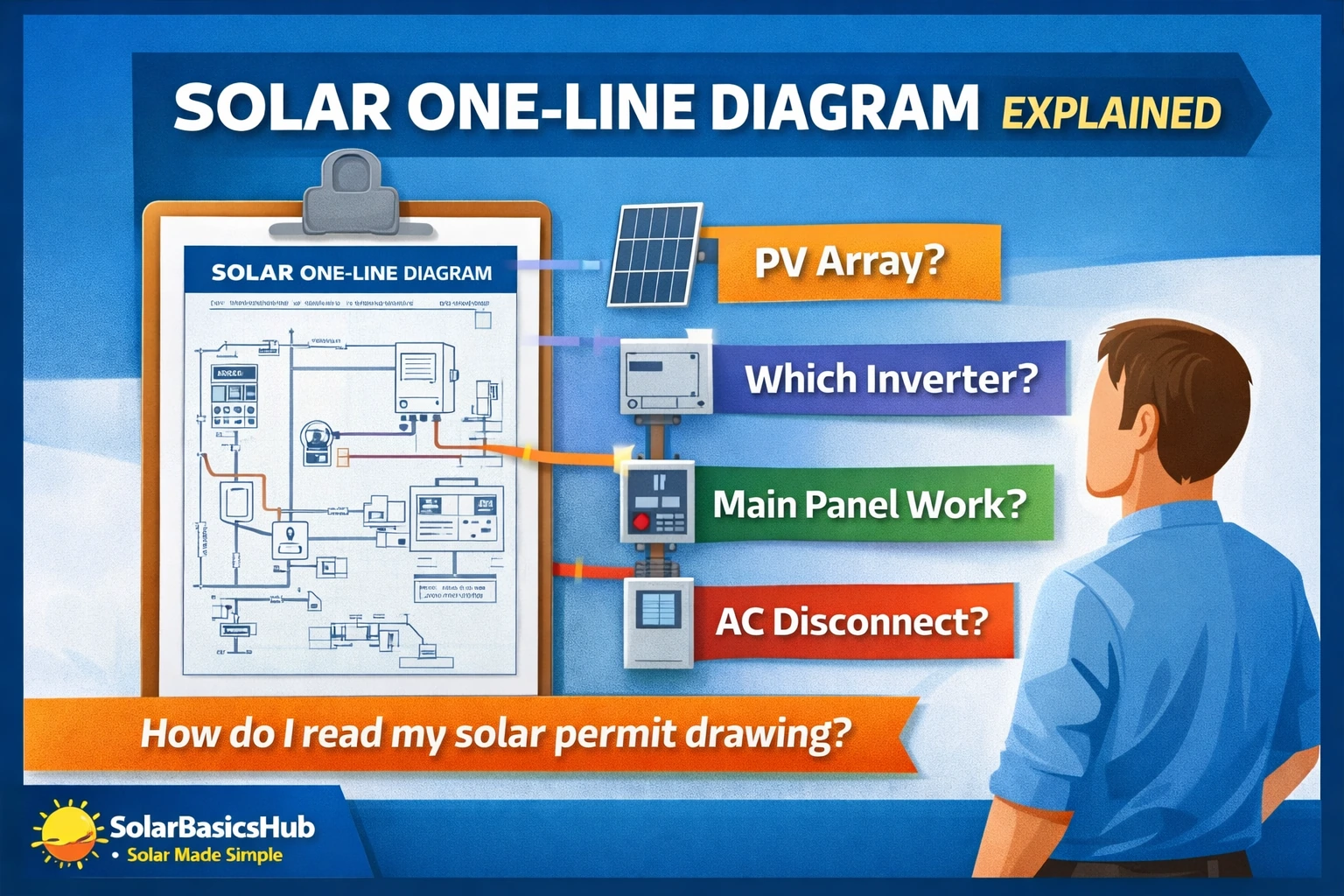
A solar one-line diagram is a simplified electrical drawing that shows the major parts of a solar system and how they connect. Instead of drawing every conductor separately, it uses a simplified line to represent the main electrical path.
In plain English, it is the project’s electrical map.
If you are reviewing a solar quote, permit set, design revision, or change order, this drawing matters because it often reveals:
- where the system connects to your home,
- whether an AC disconnect is included,
- whether main panel or service work is part of the project,
- whether the design is grid-tied only or backup-capable, and
- whether the equipment shown still matches the equipment you were sold.
Source: NREL and DOE-related building guidance describe single-line/riser diagrams as part of solar permitting and system documentation for PV projects.
Why it is called “one-line” or “single-line”
Electrical drawings can become too detailed for quick review, so engineers simplify them. A one-line diagram uses a single line to represent the main power path instead of drawing every conductor individually. In solar paperwork, “one-line diagram” and “single-line diagram” usually mean the same thing.
Why homeowners should care
You do not need to decode every symbol like an electrician. You just need the drawing to answer practical questions:
- Does the promised equipment actually appear on the design?
- Is there extra electrical scope I was not told about?
- Is this really a backup-ready system, or just a standard grid-tied system?
- Does the project include disconnects, panel changes, or other adders?
That makes the one-line diagram a useful quote-review tool, not just a permit form.
One-line diagram vs site plan vs spec sheet
What the one-line shows
The one-line diagram usually shows the major electrical building blocks of the project, such as:
- PV array,
- inverter(s),
- breakers and disconnects,
- main panel or service equipment,
- utility meter,
- point of interconnection,
- rapid shutdown notes where relevant, and
- battery or transfer equipment if included.
What the site plan shows
A site plan is more about physical layout. It often shows:
- where the array sits on the roof,
- where the inverter and disconnects are mounted,
- where conduit may run,
- where service equipment is located, and
- roof setbacks or access notes when required by the permit set.
What spec sheets show
Spec sheets or cut sheets show the exact product details, including:
- manufacturer,
- model number,
- ratings,
- certifications/listings, and
- dimension or mounting details.
Simple way to remember it:
- The one-line shows how the parts connect.
- The site plan shows where the parts go.
- The spec sheets show what the parts are.
The main pieces you will usually see on a residential solar one-line
1) PV array
This is your solar panel field. The drawing may list:
- number of modules,
- wattage per module,
- total DC system size, and
- string grouping or panel-level architecture.
This is one of the fastest ways to verify that the array in the drawing still matches what the salesperson promised.
2) Inverter section
The one-line usually reveals whether the system uses:
- a string inverter,
- power optimizers plus a string inverter, or
- microinverters.
That matters because it affects shading behavior, monitoring detail, rapid shutdown approach, and maintenance expectations over time.
Related reading:
- https://solarbasicshub.com/string-inverter-vs-microinverter/
- https://solarbasicshub.com/power-optimizer-vs-microinverter/
3) Disconnects and protection devices
You may see labels for:
- AC disconnect,
- DC disconnect in some architectures,
- PV breaker,
- surge protection,
- rapid shutdown notes, and
- grounding/bonding references.
Do not assume every safety-related label means the same thing. For example, a rapid shutdown note does not answer whether an AC disconnect is included, and an AC disconnect does not mean the project includes battery backup.
Related reading:
- https://solarbasicshub.com/solar-ac-disconnect-explained/
- https://solarbasicshub.com/solar-rapid-shutdown-explained/
4) Main panel / service equipment
This is one of the most useful parts for homeowners. The drawing may show:
- main panel rating,
- main breaker size,
- solar backfeed breaker size,
- meter-main combo,
- subpanel references, or
- service disconnect arrangement.
This section often explains why a quote includes a breaker derate, panel upgrade, or other electrical changes.
Related reading:
5) Utility meter and point of interconnection
The one-line should make it reasonably clear how solar ties into the home and the grid. Even if the language looks technical, the homeowner takeaway is simple:
- Where does solar connect?
- What extra equipment is required there?
- Does the design look straightforward, or is there added service-equipment complexity?
How to read a one-line diagram step by step
Step 1: Start at the array
Find the panels first. Look for:
- total module count,
- module wattage, and
- total DC size.
This helps you confirm that the array shown on the drawing matches the system size you were quoted.
Step 2: Follow power flow to the inverter
Next, see how the array feeds the inverter equipment.
- In a microinverter design, conversion happens at the panel level.
- In an optimizer design, panel-level electronics still feed a central inverter.
- In a string inverter design, conversion happens at one main inverter location.
If the architecture differs from the proposal, ask why before you sign.
Step 3: Find disconnects and breakers
Look for mentions of:
- AC disconnect,
- PV breaker,
- service disconnect,
- transfer switch, or
- backup interface.
This is where hidden electrical scope sometimes appears.
Step 4: Find the main panel and service equipment
Check whether the one-line shows:
- the existing main panel,
- a new panel,
- a derated main breaker,
- a meter-main replacement, or
- an added subpanel or backup loads panel.
That can reveal whether the project is a straightforward solar install or a broader electrical project.
Step 5: Find the utility side
Look for the utility meter and final interconnection point. If the design includes service-equipment changes you do not understand, ask the installer to explain them in plain English and show where they appear on the one-line and the site plan.
What the one-line can reveal about your project
It can reveal whether backup is real or just mentioned in sales talk
If someone told you the system is “battery-ready” or “backup-ready,” the one-line should help clarify what that actually means.
A truly backup-capable project may show things like:
- battery inverter or hybrid inverter,
- backup interface/gateway,
- critical loads panel, or
- transfer equipment.
If none of that appears, “ready” may simply mean it could be added later—not that it is included now.
Related reading:
- https://solarbasicshub.com/solar-transfer-switch-explained/
- https://solarbasicshub.com/do-solar-panels-work-during-power-outage/
It can reveal whether extra electrical work is included
Homeowners often focus on panel brand and total price, but the real difference between two quotes may be hidden in the electrical scope.
Examples the one-line may reveal:
- utility AC disconnect,
- main panel replacement,
- breaker derate,
- added subpanel,
- surge protection, or
- meter-main reconfiguration.
It can reveal whether the equipment still matches the contract
If the contract promised one inverter architecture but the drawing shows another, stop and ask questions.
That does not automatically mean anything improper happened. Engineering may have changed the design for roof layout, code, utility, or stock reasons. But you want the final equipment list, production estimate, and price to align before approval.
Red flags homeowners should not ignore
Red flag 1: The one-line does not match the proposal
Examples:
- different inverter type,
- different module count,
- no battery equipment even though backup was implied, or
- electrical devices that later appear as surprise change-order costs.
Red flag 2: Vague labels instead of real equipment
Broad labels like “PV system,” “disconnect,” or “inverter” may be normal in a very early draft, but before final approval you should know the actual equipment being proposed.
Red flag 3: Hidden service work
If the one-line shows major service-equipment changes but the quote sounds like a simple install, ask for a written line-item explanation.
Red flag 4: Confusing rapid shutdown with full project scope
Rapid shutdown notes tell you something about rooftop safety design. They do not tell you whether an AC disconnect is required, whether battery backup is included, or whether your panel needs upgrading.
Red flag 5: No clear path from array to utility
A permit drawing should not feel like a mystery. If you cannot identify the major pieces after a basic walkthrough, ask the installer to explain the final path from array to inverter to disconnects to panel to utility meter.
Table(s)
| Document | What it tells you | Why it matters |
|---|---|---|
| One-line diagram | How the major electrical components connect | Reveals interconnection, breakers, disconnects, and hidden electrical scope |
| Site plan | Where equipment is physically located | Helps spot conduit runs, roof layout, and equipment placement |
| Spec sheet / cut sheet | What the exact equipment is | Confirms model numbers, ratings, and certifications |
| Proposal / quote | Price, estimated production, financing, and summary scope | Should match the final engineering intent |
| What to check on the one-line | Why it matters |
|---|---|
| Module count and DC size | Confirms the promised array is actually shown |
| Inverter type | Affects shade behavior, monitoring, and maintenance expectations |
| AC disconnect shown or not | May change electrical scope and cost |
| Main panel details | Can reveal derate, upgrade, or service constraints |
| Battery / transfer equipment shown or not | Confirms whether backup is truly included |
| Interconnection point | Helps explain utility and installation complexity |
Copy/paste checklist: what to ask your installer
- Can you walk me through the one-line diagram in plain English?
- Does this drawing match the final equipment in my proposal exactly?
- What inverter architecture is shown here?
- Is an AC disconnect included, and if so, where is it shown?
- Does this design require any main panel, meter-main, or breaker changes?
- Is this grid-tied only, or is any real backup equipment included?
- If the design changed after engineering review, what changed and why?
- Will this exact one-line be the version submitted for permitting and interconnection?
- Are all electrical adders included in my current price?
- Can you send the site plan and equipment spec sheets with this diagram so I can compare them together?
FAQ
1) What is a solar one-line diagram in simple terms?
It is a simplified electrical map showing the major parts of the solar system and how they connect.
2) Is a one-line diagram the same as a site plan?
No. The one-line shows electrical connections. The site plan shows physical layout and equipment location.
3) Do homeowners need to understand every symbol?
No. You mainly need to identify the major equipment, interconnection path, and any extra electrical scope.
4) Can I use the one-line diagram to compare quotes?
Yes. It is one of the best places to catch hidden disconnects, panel work, architecture changes, or scope differences.
5) Does a one-line diagram prove I have battery backup?
Only if actual backup-related equipment is shown. Sales language alone is not enough.
6) Can the design change after the quote?
Yes. Engineering or utility review can change the design. That is why you should compare the final one-line to the signed proposal before approval.
7) Does every solar project have one?
Most permitted residential PV projects involve this kind of documentation in some form, although the exact format and level of detail can vary by jurisdiction, installer workflow, and utility requirements.
Next to Read (internal links with exact URLs)
- https://solarbasicshub.com/solar-ac-disconnect-explained/
- https://solarbasicshub.com/main-panel-upgrade-for-solar/
- https://solarbasicshub.com/solar-rapid-shutdown-explained/
- https://solarbasicshub.com/solar-permits-inspection-interconnection-pto/
- https://solarbasicshub.com/how-to-compare-solar-quotes-line-by-line/
- https://solarbasicshub.com/string-inverter-vs-microinverter/
- https://solarbasicshub.com/power-optimizer-vs-microinverter/
- https://solarbasicshub.com/solar-transfer-switch-explained/